Most translation happens in a browser tab, which means it happens on someone else's server - a problem on a flight, in a dead spot, and any time the text is something you'd rather not upload: a contract, a medical letter, an internal document.
What macOS gives you
Apple's Translation framework runs entirely on the Mac, using downloadable language packs. The Translate features built into macOS use it, and you manage the packs yourself: System Settings > General > Language & Region > Translation Languages, where you can download languages ahead of a trip and remove them later. Once a pair is downloaded, translation needs no connection at all.
The catch is the same as ever: those built-in paths want selectable text.
Off the screen, still offline
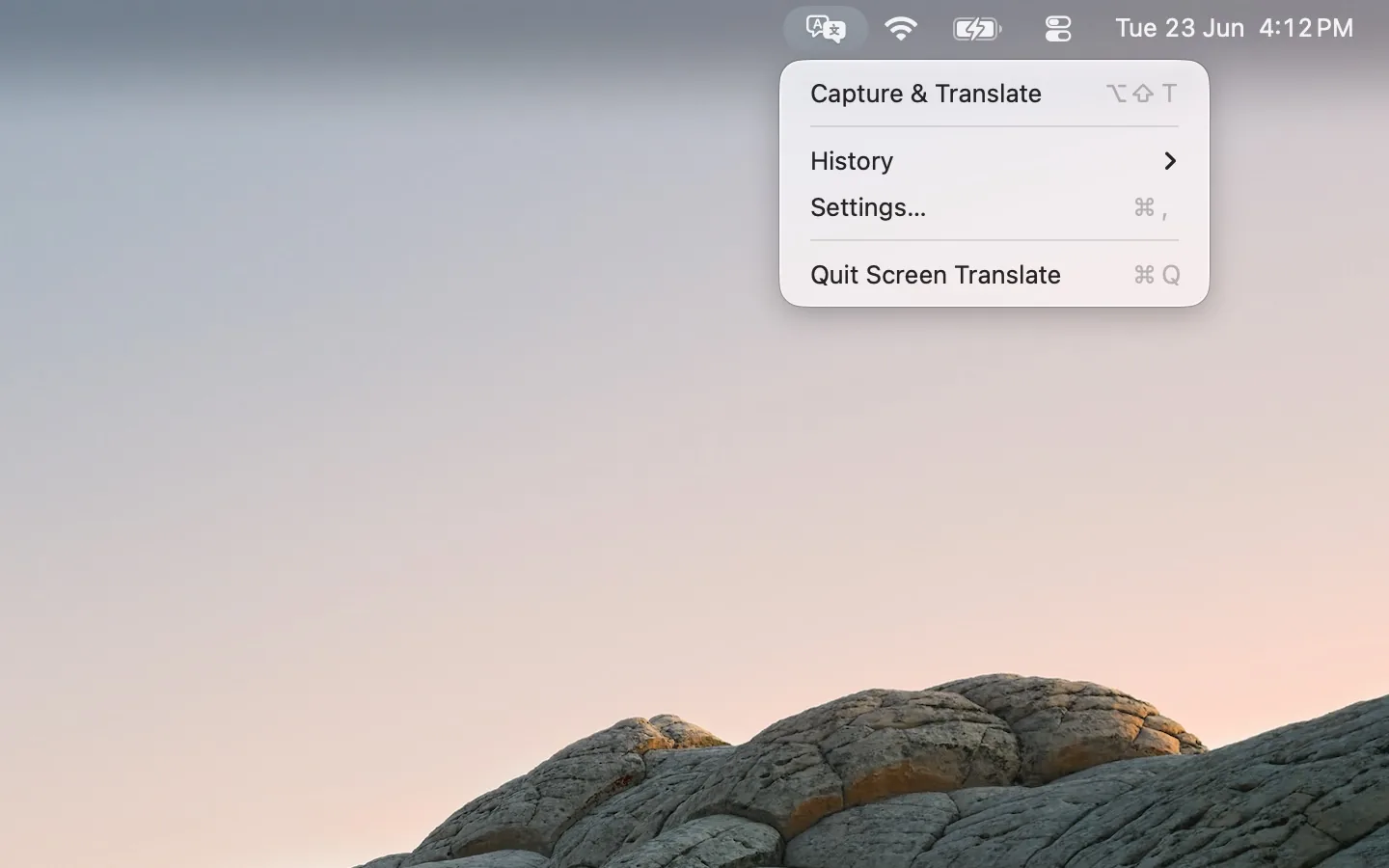
Screen Translate puts the same on-device translation behind a screen capture: drag over any region - a scanned page, a subtitle, a foreign-language app - and it recognizes, detects the language, and translates, all locally. The first time you translate into a new language, macOS prompts for the pack; from then on it works in airplane mode. Nothing you point it at leaves the machine - and the app itself collects nothing.
Recent captures are kept (up to 20, clearable), the captured text is editable in place, and results can be auto-copied to the clipboard if you want the translation where you're writing.
Free on the Mac App Store.
FAQ
Can a Mac translate without internet?
Yes. Apple's on-device Translation framework works offline once you've downloaded the language packs in System Settings > General > Language & Region > Translation Languages.
Is on-device translation private?
The text never leaves the Mac, which is the strongest privacy answer there is. Screen Translate adds nothing on top: no accounts, no analytics, no network.
Why am I asked to download a language?
Each language pair needs an official pack the first time. Download it once - over any connection - and that pair works offline from then on.