To turn a photo into a meme, start with a line that changes how someone sees the image, then make sure the words can be read at a glance. You do not need a template: an ordinary photo, a precise observation, and a clear text treatment are enough. The final check is simple: shrink it to chat size. If the joke or the words disappear, simplify.
Pick the joke before the typeface
A meme caption should add a point of view, not describe what is already visible. A photo of a crowded viewpoint does not need “people at a mountain”; it needs the difference between the solitary adventure the photo promised and the crowd it delivered. Write that contrast in plain language before choosing a style.
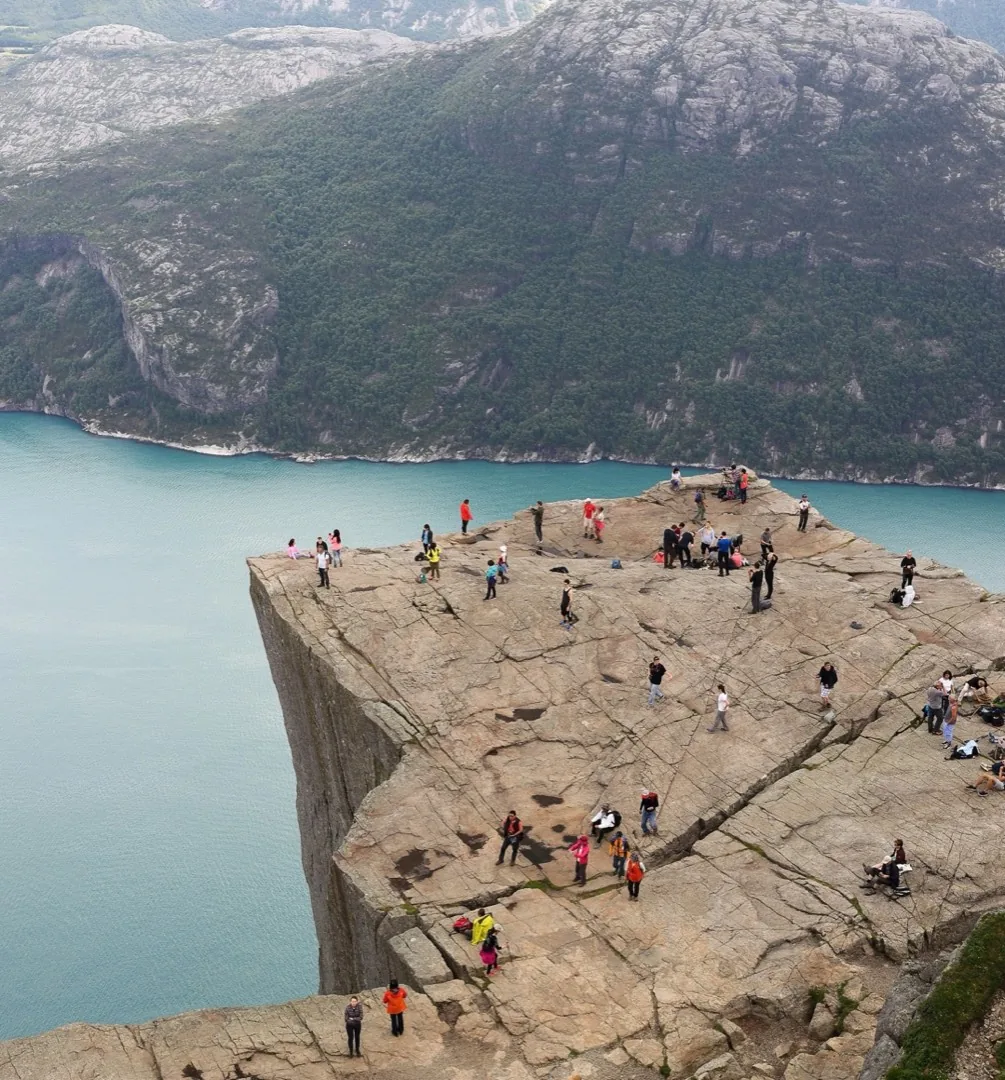 Majestic, if you crop out the other forty people
Put the text where the photo can carry it
Use the quiet area of the image if there is one. If the subject fills the frame, put a short setup at the top and the payoff at the bottom. Keep the text block away from faces and the detail that makes the joke work. High-contrast lettering and a background treatment are more useful than a decorative font nobody can read.
Keep the line short enough to share
A screenshot, a group chat preview, and a social feed all make the image smaller than your editing screen. If the caption needs more than two compact lines, remove words or split it into a top-and-bottom pair. Leave breathing room around the letters; cramped text makes even a good line look like work.
Hot Take does the awkward first part on iPhone: it reads the photo, offers five captions in the mode and heat you choose, then drops your selection on the image. You can drag, pinch, restyle, add a second caption, or change the wording completely before exporting without a watermark.
FAQ
Do I need a meme template to make a meme?
No. Templates bring instant recognition, but an original photo with a clear caption is a meme too. The important part is the new angle the text gives the image.
Should meme text go at the top or bottom?
Put it where it does not cover the subject or the visual clue. Use top and bottom together when one line needs a setup and the other is the payoff.
What font should I use for a photo meme?
Choose contrast and legibility first. Bold outlined type works for the familiar meme look, while a caption, marker, or poster treatment can suit the mood of a particular photo better.