A tutorial shows exactly the command you need. A conference talk flashes a URL. A screen share in a call has the config file open. The text is on your screen and utterly unselectable.
The built-in route, when it cooperates
Pause the video and try hovering the text - in some players, on recent macOS, Live Text can read a paused frame the same way it reads an image. When that works, select and copy.
It often doesn't. Custom web players, video calls, DRM-protected streams, and embedded players frequently draw frames in ways Live Text never sees. The fallback everyone actually uses is typing the text out by hand while scrubbing back and forth - which is exactly the job OCR exists to do.
Capture the frame instead
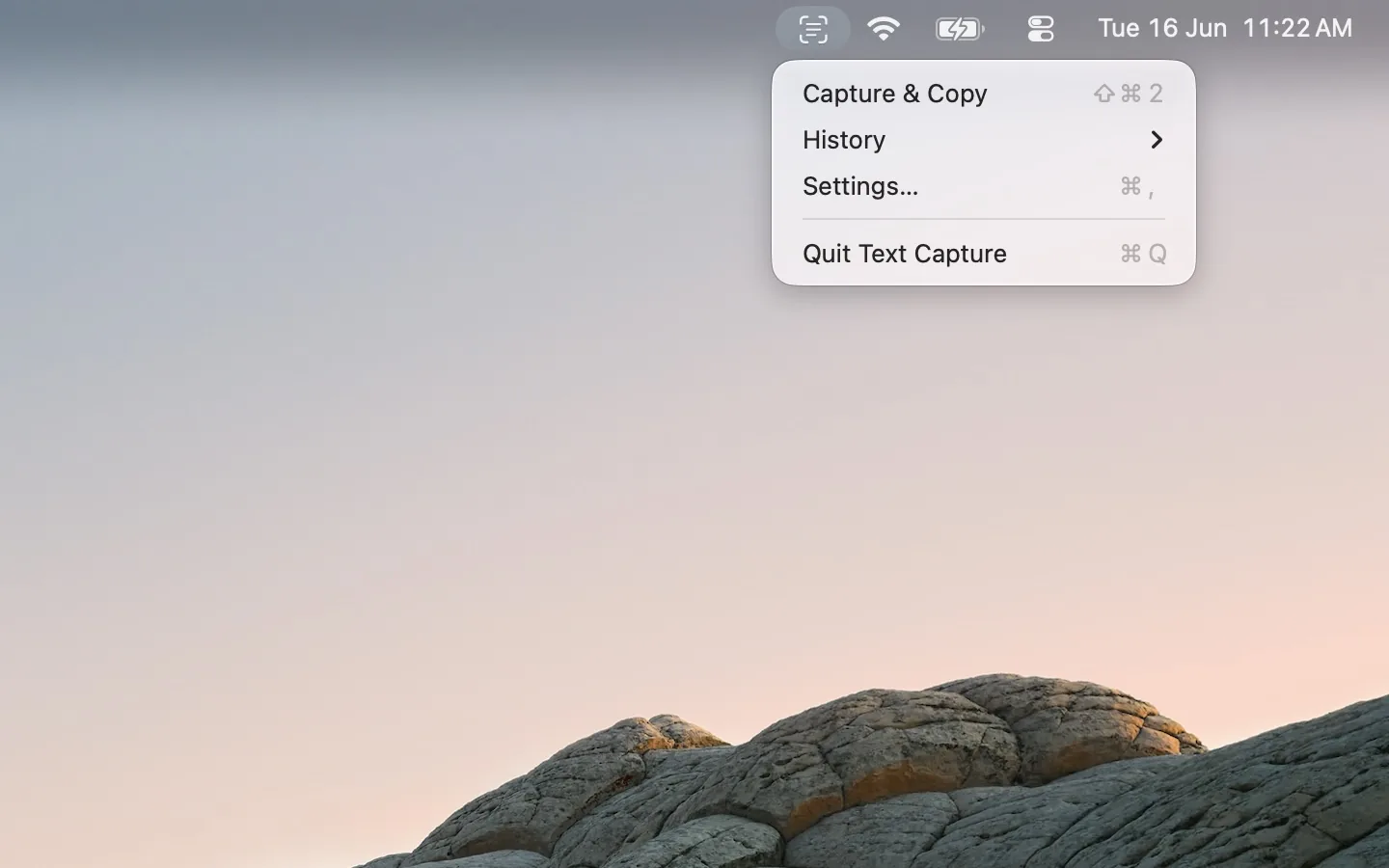
Pause the video, press Text Capture's hotkey, and drag over the text. The recognition happens on the pixels you see, so it makes no difference what player is drawing them - a paused YouTube frame, a Zoom screen share, a video file in VLC are all the same to it. The text lands on your clipboard; paste it in your terminal or notes and scrub on.
For a longer snippet - a code block, say - capture it in passes and the last 20 captures are kept in history, so you can collect first and paste after.
Free, on-device, no accounts, no network.
FAQ
Can Live Text read a paused video?
Sometimes - it depends on the player and how it draws frames. When it can't, a screen capture utility reads the same pixels regardless of the player.
Does this work during a video call?
Yes. A screen share is just pixels on your screen; pause the moment matters less since you capture what's currently shown.
Will the formatting survive?
OCR returns the text line by line. For code, expect to fix indentation - the characters are right, the whitespace is approximate.