The text is right there in the picture - an error dialog someone screenshotted, a slide from a talk, a photo of a menu - and you need it as text you can paste.
Start with Live Text
Since macOS Monterey, the Mac can read text straight out of images: open the image in Preview, Photos, or view it in Safari, hover until the cursor becomes a text cursor, then select and copy as if it were a document. If your image is in one of those apps, this is the answer - built in, free, done.
Where Live Text runs out
Live Text works where Apple drew the image. The text you need is often somewhere else: a picture inside a PDF a colleague scanned, a slide in a presentation you are watching, a remote-desktop or VM window, a chat app that renders its own previews, or an interface element that was never an image at all. You can screenshot it first and open the screenshot in Preview - it works, but it is four steps and a leftover file every time.
Capture it where it stands
Text Capture is a free menu bar utility that skips the detour: press the hotkey (Command-Shift-2 by default), drag over any region of the screen - whatever app it belongs to - and the recognized text is on your clipboard. It uses Apple's on-device OCR with automatic language detection, so nothing leaves your Mac, and the last 20 captures stay in a history you can clear anytime.
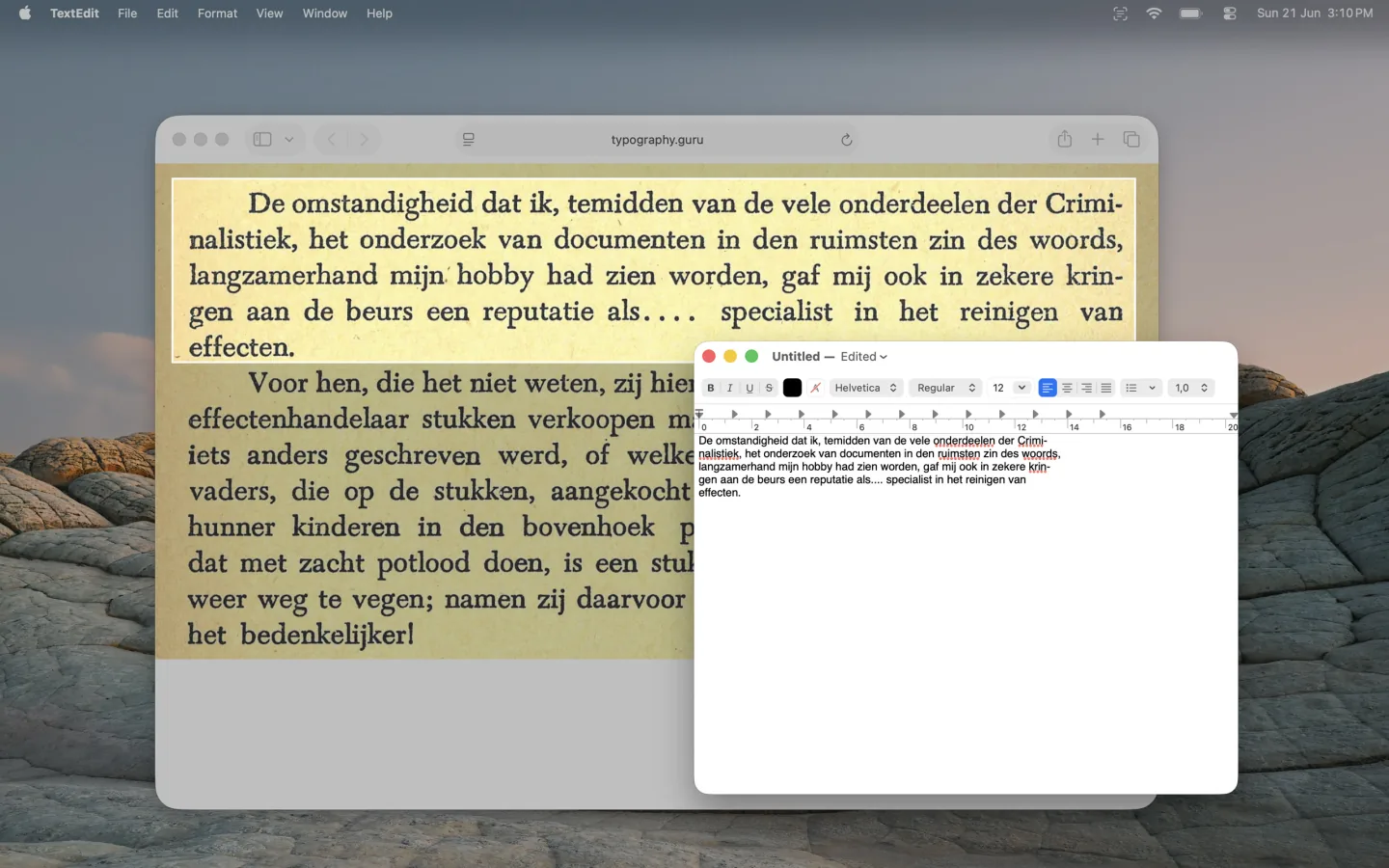
Free on the Mac App Store. Works completely offline.
FAQ
Does the Mac have built-in OCR?
Yes: Live Text, in Preview, Photos, Quick Look and Safari since macOS Monterey. It reads text in images those apps display; for text anywhere else on screen, a capture utility does the same recognition on any region you select.
Can I copy text from an app that doesn't allow selection?
If it's visible, it can be captured: the selection happens on screen pixels, not in the app, so dialogs, code editors' UI, and remote windows all work.
Does the image leave my Mac?
With Text Capture, no - recognition runs on-device and the app has no networking. The pixels are read once, the text is copied, and the capture is discarded unless you keep it in history.